What is VideoAgents
VideoAgents turns a novel into episodic video with a crew of AI agents that you direct. You bring the story and choose the models; the agents do the work step by step and stop for your approval at the points that matter.
If a video model is a camera, VideoAgents is the studio around it: the writers, designers, directors, editors and reviewers who decide what the camera should shoot, and keep every shot consistent with the last one.
How it works
- You bring a story. Create a project, paste or import the novel, describe the tone and pick a visual style.
- The crew builds the world. Agents break the novel into events and a timeline, then write a world bible, characters, creatures, scenes, props and an art style. Every later step treats this as fact.
- The crew makes the episodes inside that world. Screenplay, storyboard, 3D whitebox previs (optional), video prompts, video, sound, edit, post-production, QA and publishing, one episode at a time.
- You sign off. The work stops at up to 12 sign-off gates, from the world bible to the release. Nothing expensive runs before you approve the step that feeds it.
Read Worlds and works and The workflow for the full picture.
What is in the box
| Part | What it is |
|---|---|
| Agent crew | 119 specialist agents in 17 departments: story, worldbuilding, characters, creatures, scenes, art, directing, video generation, audio, editing, QA, publishing, plus teams for the other project types. See The agent crew. |
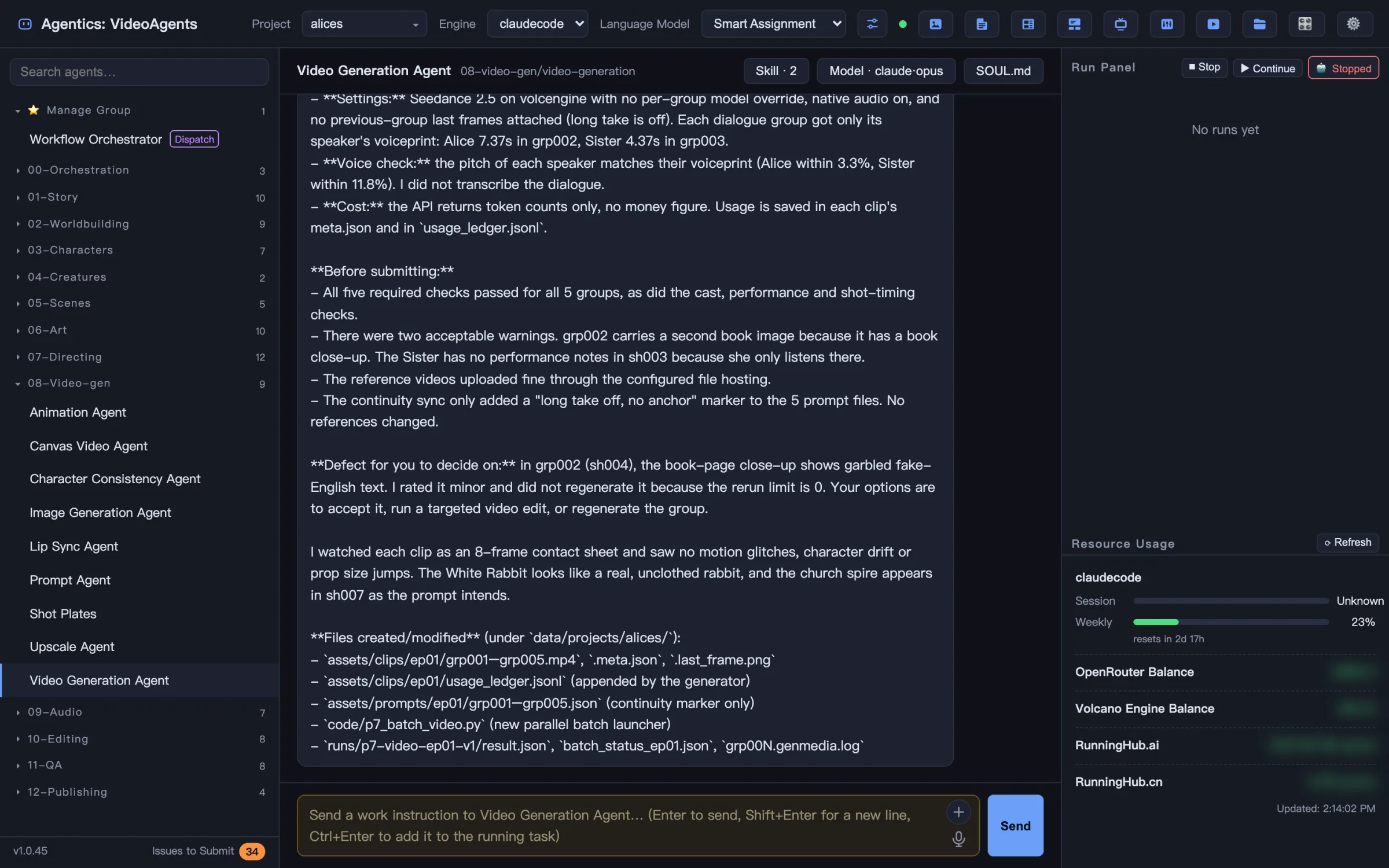
| Console | The web page where you chat with agents, follow runs and open every preview page. The desktop app shows the same console. It is available in 12 languages. |
| Preview pages | One page per kind of output: characters, scenes, props, script, storyboard, Director's Console, post-production, final videos and more. Most have ✏️ Edit buttons that send your notes to the Reviser. |
| Workflow | A declared pipeline of tasks with dependencies and sign-off gates. You can watch it on the Workflow Preview page. |
| Project folder | Every card, prompt, shot list, QA report and video is a file in your project folder. See Files, runs and versions. |
Project types
You choose a type when you create a project. It decides which workflow the project follows.
| Type | What you give it | What you get |
|---|---|---|
| 🎬 Film & series (default) | A novel | A multi-episode series adapted from it |
| 🎙️ Audio to video | A narration recording and its script | Generated pictures that follow the recording |
| 🧑💼 Digital human | A conversation recording and a photo per speaker | Lip-synced speaker video |
| ✂️ Mashup | A script and your local footage library | A cut made from ready-made clips |
| 🖥️ Motion graphics | A topic or script and one of 59 styles | A film written as code and rendered frame by frame, with no video model |
More types, such as derivative fiction, fusion fiction and audio drama, come as plugins. See Choose a project type.
Bring your own engine and providers
VideoAgents does not include a language model or a video model. You connect your own:
- An agent engine runs the agents. It can be the built-in Agentics engine or a coding CLI you already use, such as Claude Code, Codex CLI, Kimi Code, Pi, OpenCode, Grok Build or Antigravity CLI. See Choose an agent engine.
- Generation providers make the images, video, voices, music and sound. Each kind is set up on its own, so you can mix vendors and switch when a better model ships. See Set up providers.
WARNING
Image, video, voice and music generation is billed by the providers you connect. Review happens before the paid steps, but you still pay for what you generate. See Cost control.
Local first
VideoAgents runs on your computer. The novel, the project files and the generated media stay in a local folder, and the service listens only on 127.0.0.1 by default. What a step needs is sent to the services you connected: text to your engine's language model, prompts and reference images to the image or video provider, and so on.
VideoAgents is open source under GPL-3.0. The source is on GitHub.
Start here
- Install the desktop app (Mac or Windows), or run from source.
- Choose an agent engine.
- Set up providers.
- Create your first project, or first open a sample project to see finished work.