Film & series
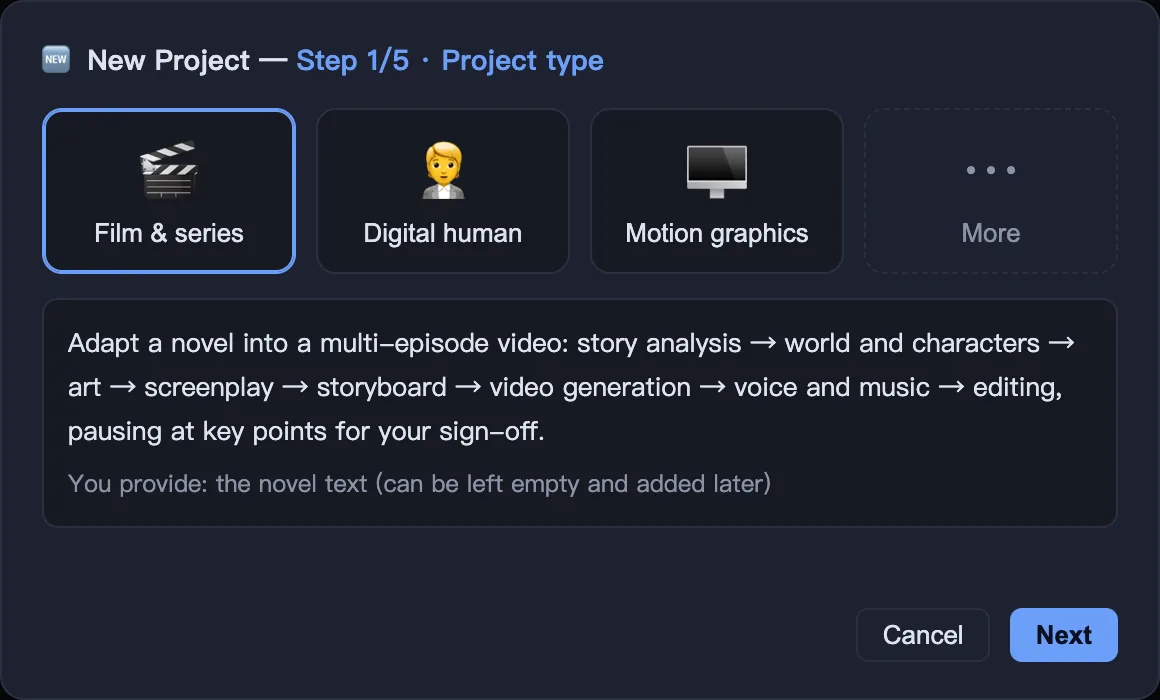
Film & series is the default project type. It adapts a novel into a multi-episode video series: the agents first build the world the story lives in, then write, storyboard, generate, voice and edit each episode, and stop at key points for your sign-off.
Before you start
- An agent engine that is signed in. See Choose an agent engine.
- Image, video and voice providers set up on ⚙️ → Generation Models. See Set up providers.
- The novel as plain text. You can also create the project first and add the text later.
Create a film project
Click the project name in the top bar, then + New Project….
Step 1/5 · Project type: Film & series is already selected. Click Next.
Step 2/5 · Basic info:
Field What to enter Project name Letters and digits only, for example MyNovel01Story text Paste the novel. Leave it empty if you want to put the text in the project's novel/folder laterContent Positioning Drama or documentary, genre and tone, target audience, what to keep or drop in the adaptation Visual Style A description of the look: texture, colour palette, lighting, composition. Click 🎨 Choose from Style Library to start from a preset Content Positioning, Visual Style and the narrative rhythm are added to the instructions of every agent on the project, so they shape all the work that follows.
Step 3/5 · Video Rhythm, Step 4/5 · Model Limits and Step 5/5 · Output Settings all have defaults. Change what you need, or click Skip wizard and create to keep the defaults for the remaining steps. You can change all of them later from the 🎛️ menu. See Video pacing, Model limits and Output settings.
Click Create.
The Workflow Orchestrator then sets up the project: it creates the folders, cleans up the novel text and splits it into chapters. When it is done, it reminds you to upload reference images, music and other material on the 🖼 Reference Files page.
What the team does
The work follows a fixed workflow. Each stage writes ordinary files into the project folder, and most stages have a page in the console where you can look at the result.
| Stage | What happens | Where to look |
|---|---|---|
| 0 Intake | The project is set up; the novel is split into chapters and parsed into scenes, dialogue and named people, places and things | Import and read the novel |
| 1 Story | Story structure, event cards and the story timeline | — |
| 2 World bible | Nine agents describe the world in parallel; the results are merged | World bible |
| 3 Characters and assets | Characters, costumes, voices, creatures, scenes and props | Characters, Scenes |
| 4 Art style | The visual style and lead character designs are locked | Art style |
| 5 Screenplay | The book is split into episodes and each episode is written | Screenplay |
| 6 Storyboard | Shots, camera positions, generation groups and the 3D whitebox | Storyboard |
| 7 Visual generation | Prompts, reference images and video for each group | Image and video generation |
| 8 Audio | Dialogue, narration, music and sound effects | Dialogue, Music and sound |
| 9 Editing | Editing, subtitles, transitions and post-production | Editing, Post-production |
| 10 Final review | Eight QA reviews of each episode, run in parallel | QA reviews |
| 11 Publishing | Platform versions and publishing | Final videos and publishing |
To follow progress, open 🧭 Workflow Preview. See The workflow.
Your sign-offs
The workflow stops and waits for you at these points:
| Gate | When | You confirm |
|---|---|---|
| H1 | After the world bible | The world bible summary |
| H1A | After characters and assets | Characters, creatures and scenes, before art and screenplay start |
| H2 | After the art style | The art style and the lead character designs |
| H3 | After episode 1's screenplay | The first episode's screenplay |
| H3S, H3A, H3V, H3B, H3P | Each episode | Storyboard draft, shot setup, video prompts, generated group clips, post-production |
| H4 | After episode 1's final cut | The first finished episode |
| H5 | Before publishing | Publishing |
See Sign-off gates for what each one shows and where you sign.
Episodes one at a time
By default the team works on one episode at a time and starts the next only when the current one is finished. To work on several episodes at once, turn on Multi-episode parallel under ⚙️ → Advanced → Agent Advanced Settings. Then episode 1 goes through the whole workflow first, and the remaining episodes run in parallel only after you sign off H4, so a style or quality problem is caught before it spreads to the whole season. See Agent advanced settings.
Derivative mode: an original story in the novel's world
Sometimes you want only the novel's world (its places, institutions and characters) and a story of your own. Derivative mode handles that.
- Say it in so many words in Content Positioning (in the wizard, or later under 🎛️ → Creative Brief) or in your message to the Workflow Orchestrator, for example: "Do not adapt the source novel's plot. Only borrow its world for an original story."
- The episode planner then marks the whole episode plan as derivative. Episodes carry no events from the novel, the checks that compare episodes and scenes against the novel's events are skipped, and each scene notes
[EVENTS] none. - The writing is still scored, but "faithful to the source" now means faithful to the borrowed world: settings, geography, institutions and character identities must not drift.
Good to know:
- Derivative mode covers the whole series. A series cannot adapt the novel in some episodes and be original in others.
- The mode is only switched on when you have asked for it in writing. Agents may not switch it on just to get past a failing check.
- The Workflow Orchestrator's rules name these phrasings: 不改编原著情节 (don't adapt the novel's plot), 不围绕原小说情节 (don't follow the original plot) and 只借原著世界观做原创衍生 (only borrow the novel's world for an original derivative). Including one of them in your brief makes your intent unambiguous.
TIP
Derivative mode is available from v1.0.39.
More from the same world
Once a film project has its world bible, plugins can make other works from it: a novel (Derivative fiction), a fusion with a second book (Fusion fiction) or an audio drama (Audio drama).